Driftwood Notes
Notes that find you again
Catch it in one step
Open the app, tap once, write. There is no title field, no tags, no formatting, no save button. Your note lands in Driftwood, the collection that is always there, and it is kept the moment you stop typing.
Sort it later, not now
Collections are flat and simple — no folders inside folders. Move a note into a collection whenever you feel like it. Nothing is locked in place.
Set the rhythm
Every collection carries its own rhythm. Every few hours, a set number of times a day, or on a short interval — you decide how often a collection washes back up. Notifications are scheduled locally on your device, so they keep working with no connection at all.
Keep your quiet hours
Quiet hours are profiles you set up once and reuse across collections. Several windows per profile, crossing midnight if you want, and optionally limited to certain weekdays. Your evening stays yours.
It finds you again
A notification shows the note. Tap it and you are at the full text, right where you left it.
Yours, and only yours
No account. No cloud. No trackers. Everything lives in a local database on your device. You can export all of your data — collections, notes, rhythms and quiet hours — as a single XML file through the standard share sheet, and import it again, replacing or adding to what is there.
Requires iOS or iPadOS 15.0 or later. Also runs on Mac via Mac Catalyst (macOS 15.0 or later).
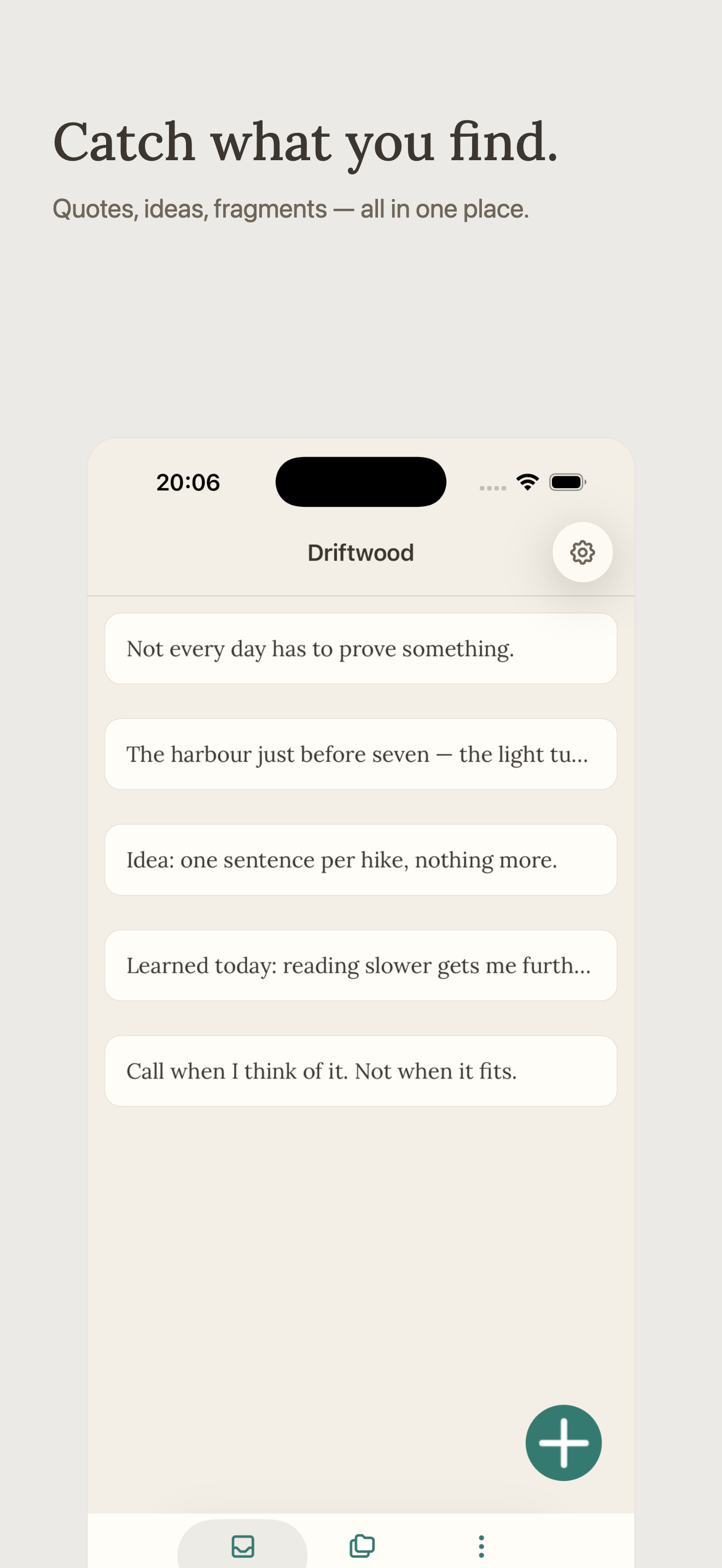
Catch what you find. Quotes, ideas, fragments — all in one place.
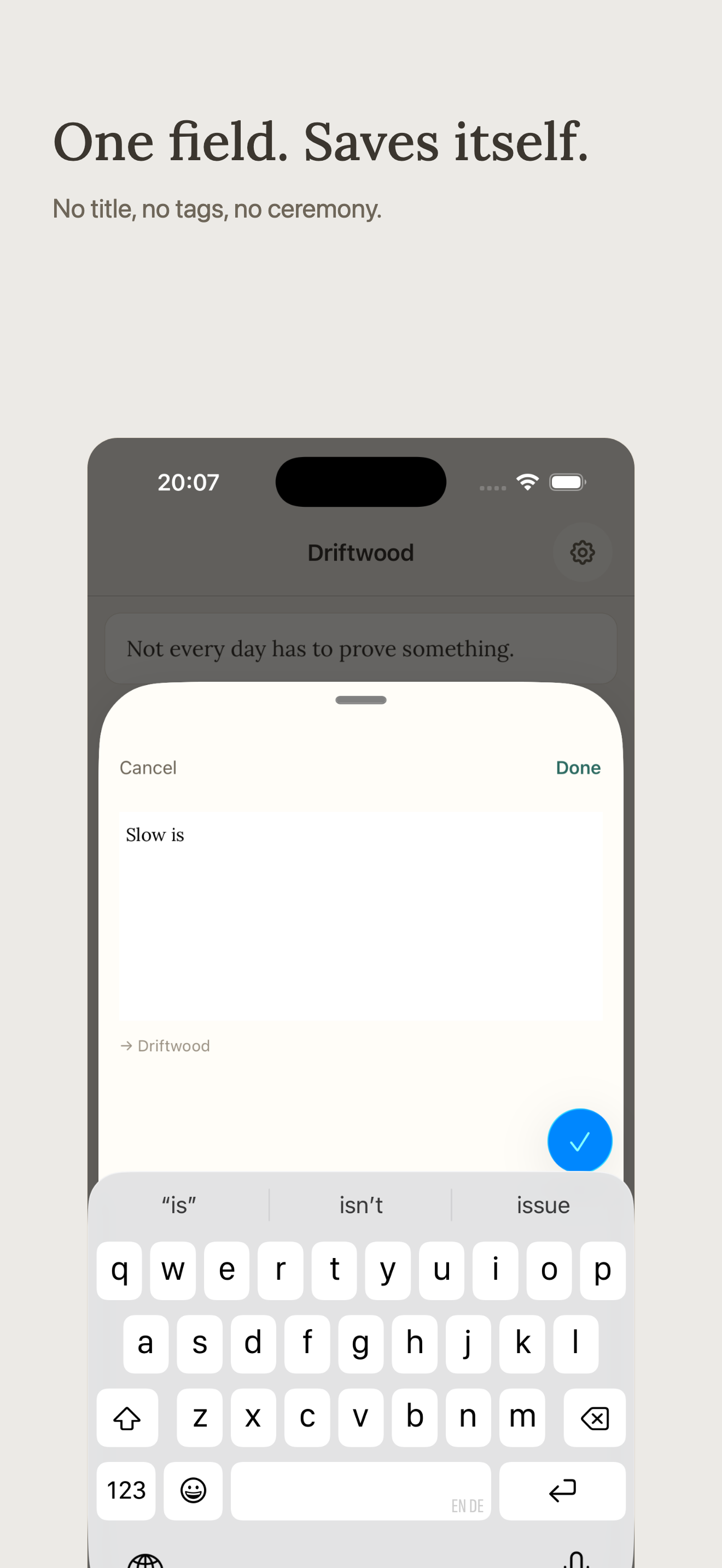
One field. Saves itself. No title, no tags, no ceremony.
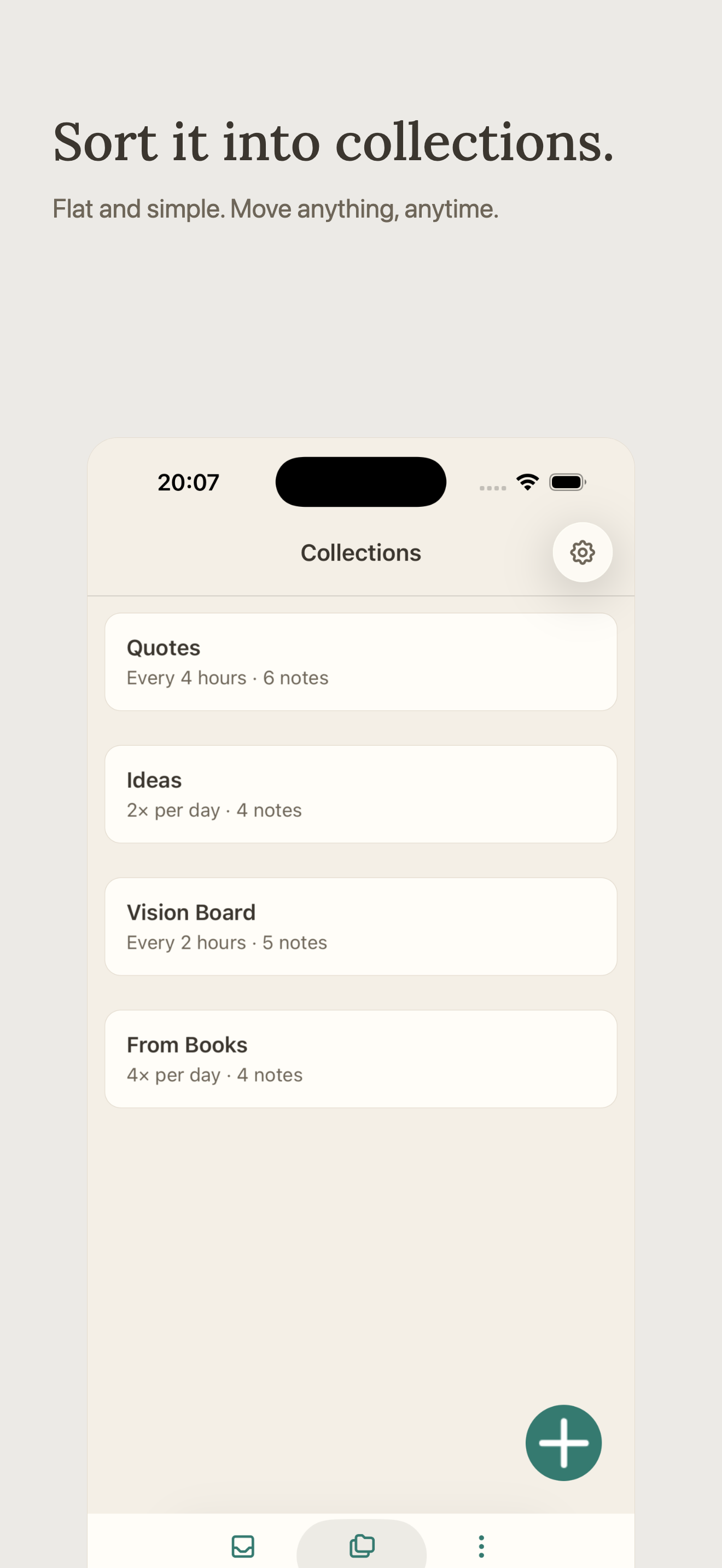
Sort it into collections. Flat and simple. Move anything, anytime.
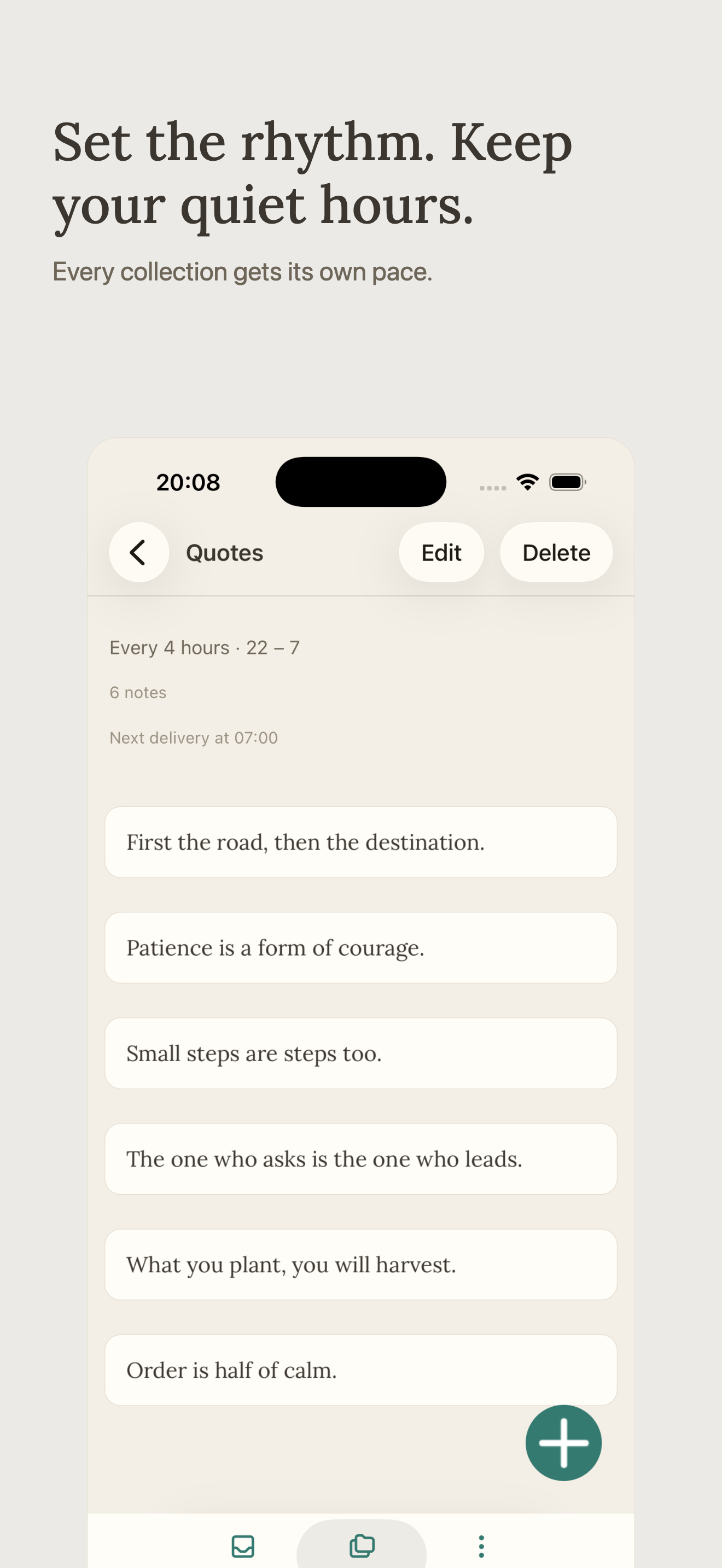
Set the rhythm. Keep your quiet hours. Every collection gets its own pace.
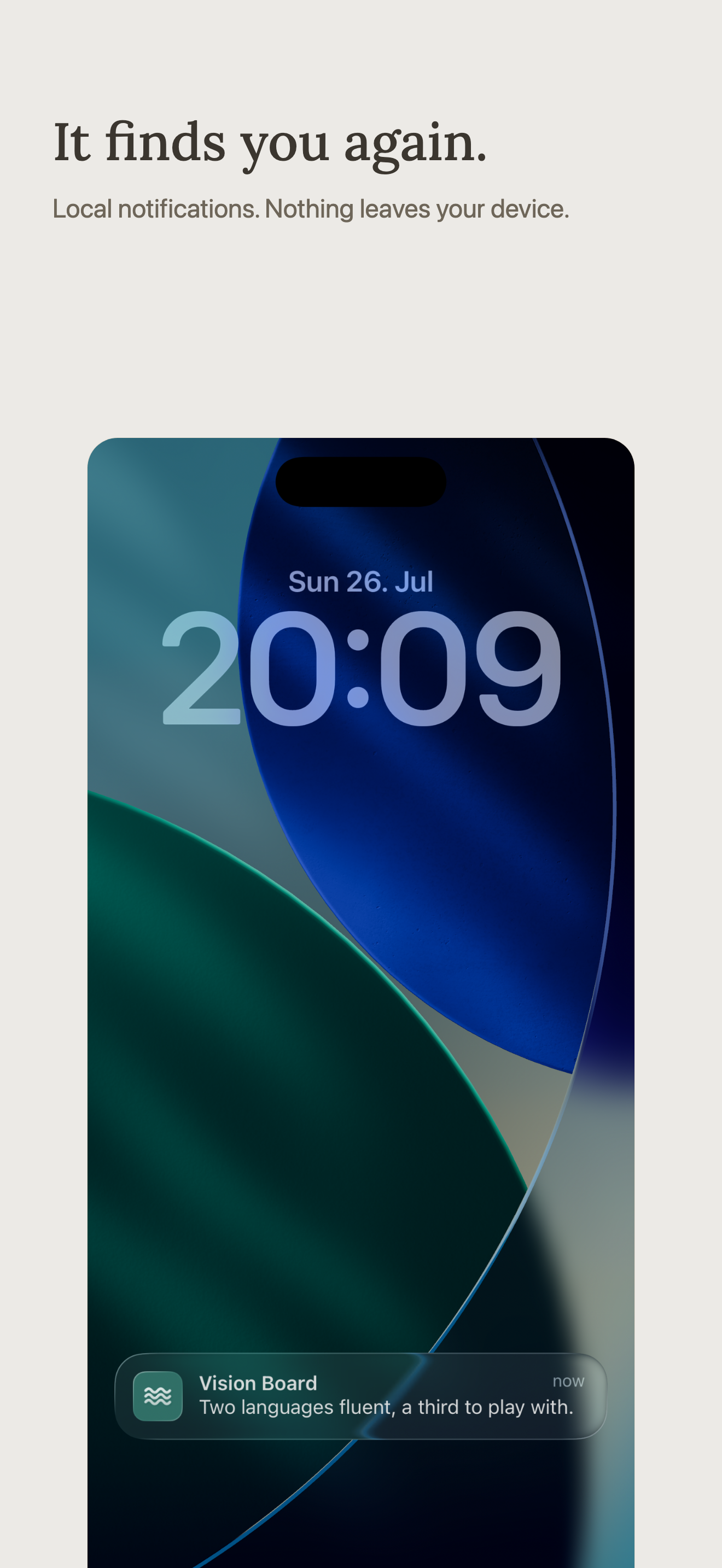
It finds you again. Local notifications. Nothing leaves your device.